The Site Was Cleaned. Then the Spam Came Back: What a Hacked Website Cleanup Misses
A plumbing company's site had been cleaned of hundreds of spam pages, and one link disguised as a typo survived. Weeks later, the old hacked server came back online for almost 17 hours when the domain's settings were reset. Cleanups fail in the places nobody thinks to look.
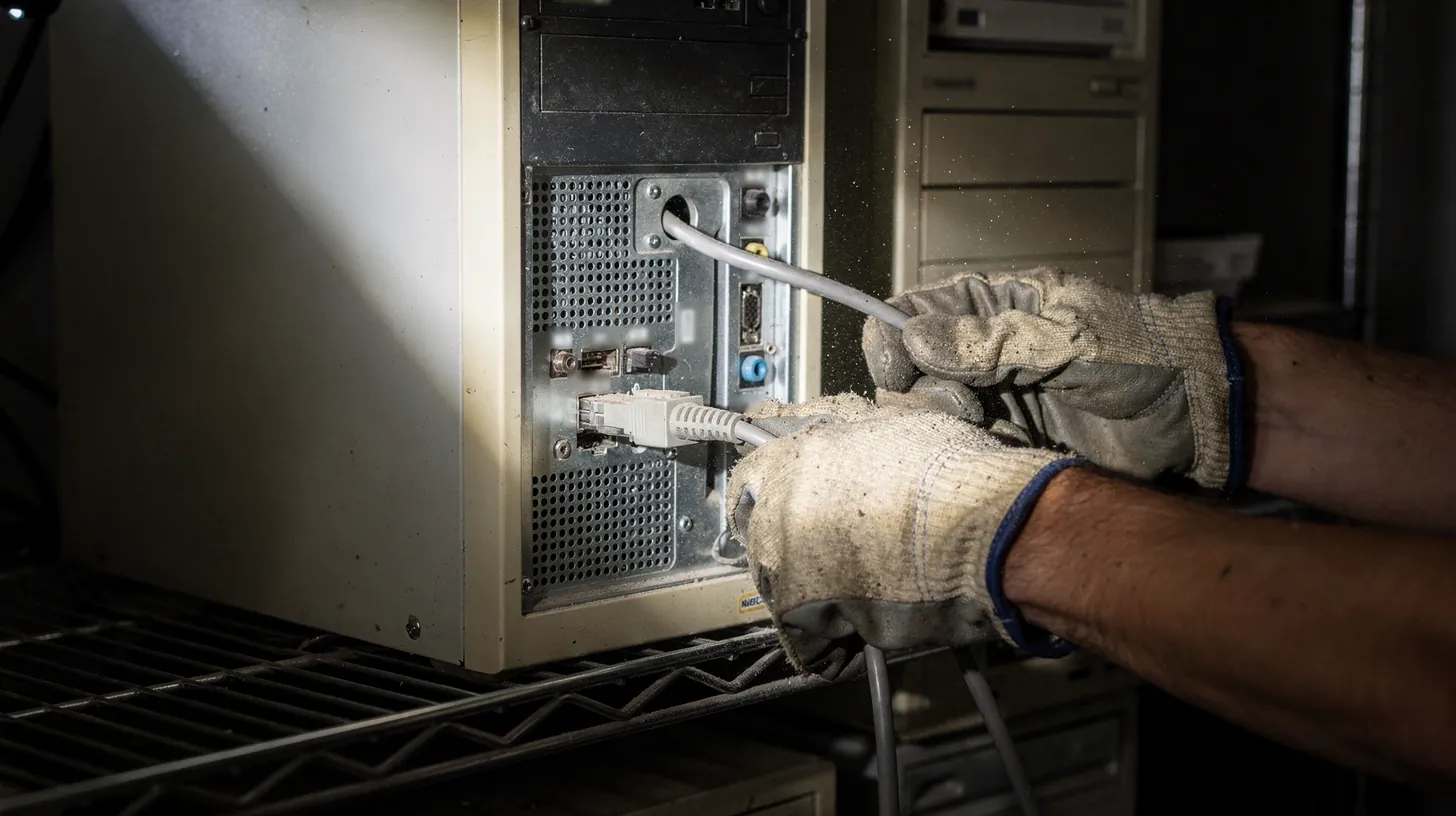
Moving a site does not clean the server it left behind. AI-generated illustration.
In one paragraph
A hacked website cleanup is the work of removing everything an attacker added and closing the ways they got in: spam pages, injected code and links, rogue accounts, stolen access and old copies of the site. Google is clear that half a job does not count: "Fixing the issue on just some pages will not earn you a partial return to search results" (Google Security issues help, 2026).
Check your account
After the obvious cleanup: 10 things to check before you call a hacked site clean
Tick each item as you finish it. It counts what is left. It does not scan your site and sends nothing anywhere.
0 of 10 items done
Based on two client cleanups in 2026 and the Google, ICANN and Cloudflare pages cited below, read October 23, 2026. General information, not a substitute for a professional incident review.
01 / 07
Why does a hacked website come back after it has been cleaned?
Because a cleanup removes what it is looking for, and attackers leave more than one thing. Spam pages are easy to find and delete. A link inside a real page, an admin account with a harmless name or an old copy of the site on another server is not. Google says fixing only some pages earns no partial credit (Google Security issues help, 2026).
This is the third guide in our series on hacked websites. The first two covered malware that hides from the owner and the signs a hack leaves. This one is about the step after you find it: the cleanup, and the places cleanups go wrong.
The main case is a plumbing company we work with, which we are not naming. By the owner's account, its WordPress site had been hacked about three times a year for three years. When we took it on in August 2026, the old site was publishing hundreds of pages it should not have, including foreign-language casino spam, and was reinfected while we were still mapping it.
That reinfection taught the first lesson. A check that had come back clean the day before missed the new version, because the attacker had changed tools and the check was looking for the old one. We had been testing for yesterday's signature. From then on, we looked for the shape of an attack, such as a link that should not be there or a page that should not exist, not for one known string of code.
02 / 07
What did the plumbing company's cleanup miss?
One link on the home page. It was two words long, the same color as the text around it and placed between two commas, so it read like a typo. Around it sat 11 empty boxes positioned thousands of pixels off the screen, with one more on another page. It survived because the cleanup checked spam pages and brand names, not the links inside the pages it kept.
The site was rebuilt from 328 known addresses: 223 real pages kept, 16 redirected and 89 spam pages answered as gone. Competitor names that had crept into the copy were removed. On paper, it was clean.
Then a link-level audit of the kept pages found one outbound link that nobody had written. It sat in the hero copy of the home page, the only one of 222 pages that had it. It was styled to look identical to the body text and was fully crawlable. The domain it pointed to had been registered on January 20, 2026, inside the period the site was compromised, and no longer resolved.
| Detail | What we found |
|---|---|
| Where | Home page hero copy, 1 of 222 pages |
| How it looked | Two words, same color as the text, between two commas |
| What surrounded it | 11 empty boxes placed far off the screen, plus 1 on another page |
| Where it pointed | A domain registered January 20, 2026, during the compromise, no longer resolving |
| Why the cleanup missed it | The cleanup checked whole pages and brand names, not the links inside kept pages |
| Removed | August 16, 2026; the audit went from 5 findings to 0 |
We first wrote it off as leftover text from a writing tool. That was wrong. A tool's credit link does not arrive wrapped in eleven invisible containers. That scaffolding is how attackers hide links from people while keeping them in front of search engines.
The lesson is simple to state and easy to skip: after a cleanup, compare every outbound link on every page you kept, not just the pages you deleted. Our own audit tool had checked what each page ran, not what each page linked to. It now checks both.
04 / 07
How can an old hacked server come back after you move the site?
Through the domain's settings. On September 10, 2026, at 08:59 UTC, the plumbing company's domain was pointed away from the new site and back to its registrar's defaults, which led to the old, still-infected server. For about 16 hours and 49 minutes, visitors got the hacked version, with casino spam on the home page.
The new site had been live for weeks on Cloudflare. The old WordPress server was still running at its old host, still infected, because moving a site does not clean the server it left. The owner did not have access to that hosting account.
Then the domain's nameservers, the setting that tells the internet where a site lives, were changed at the registrar back to the registrar's defaults. Those defaults still pointed at the old server. Within about five minutes, the old server had a fresh security certificate, and browsers showed the padlock as usual.
| Event | Started | Restored | What visitors got |
|---|---|---|---|
| First reset | Sep 10, 08:59 | Sep 11, 01:48 | The old hacked site, about 16 hours 49 minutes; 125 spam-keyword hits on the home page |
| Second reset | Sep 11, 09:55 | Sep 11, 18:37 | No site at all, about 8 hours 43 minutes; email kept working |
Our own traffic data matched both windows: requests to the real site dipped to 5,818 on September 10 and 7,632 on September 11, against a normal of about 12,000 a day. Phone calls still worked during the first window, because the real phone numbers were still on the old pages. Web form messages went to the old site, and whether they were delivered is unknown.
All four of the domain's registrar locks were on. ICANN explains that domains "can be locked to protect against unauthorized changes" (ICANN, 2013), and locks do stop a domain being moved away without permission. They did not stop this, because the change was made through the registrar account itself. Who made it is still unknown, and we treat it as an account compromise or an automated action until the registrar's activity log says otherwise.
05 / 07
What else gets left behind after a cleanup?
Access. On the art gallery from our previous guide, the cleanup also had to remove two attacker admin accounts, a fake plugin hiding one of them, two application passwords that survive a password change, a Search Console owner nobody had added and old backup files holding database passwords. Each one could have let the attacker walk back in.
Removing spam pages fixes what visitors see. Removing access fixes what happens next. The gallery's list is a good template, because each item failed a different way.
One of the two attacker admin accounts had a junk email address and was easy to spot. The other was named to survive a cleanup. A fake plugin, copying the header of a real one, hid an admin from the Users screen and lowered the count to match. Two application passwords sat on an admin account; changing the WordPress password does not revoke them, so they have to be revoked separately.
Search Console needs its own step. Google's help says that if you remove an owner and do not delete their verification tokens, the removed owner "will be able to re-verify ownership" (Google Search Console owners help, 2026). And it warns that a hacker "can probably add their token back after you've removed it" unless the site itself is secured.
Then the spam addresses. On the plumbing site, 89 spam URLs were answered as gone. Google's crawlers treat a not-found and a gone status the same way, as content that does not exist (Google HTTP status codes, 2026). The other half matters just as much: 136 real old blog addresses were redirected to their new pages, so the cleanup did not throw away good pages with the bad.
06 / 07
How do you stop the old server from being a way back in?
Shut it down or lock it to your edge. If an old server must stay up, put the domain behind a proxy such as Cloudflare, so the server's address is not public, and require that it only answers requests from Cloudflare. Better still, have nothing to come back to: a static site has no server-side code, database or login.
With Cloudflare's proxy on, "Cloudflare sits between your visitors and your server" (Cloudflare proxy status docs, 2026). With it off, Cloudflare's own docs say "your origin IP addresses are visible to anyone who queries the record". An attacker who knows the server's address can reach it directly and skip every protection in front of it.
Cloudflare offers a way to close that door. Without Authenticated Origin Pulls, "anyone who discovers your origin server's IP address can send requests directly" (Cloudflare Authenticated Origin Pulls docs, 2026). With it, the server only answers requests that come through Cloudflare.
An edge layer on top of Cloudflare adds watching to that locking: it filters bots before they reach the site and sets traps no visitor would trigger. RankShield, our founder's security company, runs that kind of layer on Cloudflare, which it describes as "a managed filtering layer on Cloudflare's global network that sits in front of your whole site". It is $39 a month, added on top of a RankShield plan; details are on the RankShield edge page. It is an option we offer, never a condition of working with us.
The plumbing company took the stronger route. Its site was rebuilt as a static site on Cloudflare Pages: no PHP, no database and no login. During the first five days, bots probed it for WordPress logins and known backdoors, and there was nothing there to find. Our guide to what the edge saw in those five days has the numbers, and why we build sites as static pages on Cloudflare explains the trade-offs.
Whatever the setup, secure the domain account itself. Turn on two-step login at the registrar, know who holds that login, and check the nameservers whenever something looks off. A domain is the one setting that can send every visitor somewhere else.
07 / 07
When should you ask Google to review a cleaned site?
Only after every page is fixed, and only if Google flagged the site. Google says to fix "all issues listed in the report" on all pages, then "select Request Review in the Security Issues report", and that most reviews "can take several days or weeks" (Google Security issues help, 2026). Requesting early wastes the review.
If Search Console's Security issues report shows nothing, there is no review to request. That was the case on the plumbing site: after the domain reset, Search Console still showed no security issues and no manual actions. That is useful to know, and it is also a reminder that Google's report and the true state of the site can differ.
If Google has flagged the site, the order matters. Clean everything first, close the ways in, then request the review once. Google says: "When all issues listed in the report are fixed in all pages, select Request Review in the Security Issues report" (Google Security issues help, 2026).
Use the checklist above to work through the steps that come after the obvious ones. If you are unsure whether your site was ever fully cleaned, start with the seven signs a hack leaves, or ask for our free SEO audit.
Watch it work
Turn on what makes AI recommend you.
AI recommends the businesses it can read, trust and quote. Flip on the four signals we engineer, and watch your visibility climb and the answer rewrite itself.
THE FOUR SIGNALS WE ENGINEER
Illustrative · the four signals are the real system we build
Questions
This article, answered.
Jamie Kloncz · SEO Elite Agency, Naples
Usually because the cleanup removed what was visible and left a way back in. Common leftovers are admin accounts you did not create, application passwords that survive a password change, an unknown Search Console owner, old backups holding passwords, and an old copy of the site on another server. On the plumbing site in this guide, the owner reported hacks about three times a year for three years, and the site was reinfected while we were still mapping it. Clean every page, remove every rogue account and access method, change every password with two-step login on, and shut down old servers.
Jamie Kloncz · SEO Elite Agency, Naples
Yes, if it is still running and your domain ever points back to it. On September 10, 2026, the plumbing company's domain settings were reset to the registrar's defaults, which still pointed at the old infected server. For about 16 hours and 49 minutes visitors got the hacked site, complete with a fresh security certificate (First-party incident records, 2026). Moving a site does not clean the server it left. Shut the old server down, or lock it so it only answers through your edge, and protect the registrar account with two-step login.
Jamie Kloncz · SEO Elite Agency, Naples
It stops some changes, not all. ICANN explains that domains "can be locked to protect against unauthorized changes" (ICANN, 2013), and a transfer lock stops a domain being moved to another registrar without permission. On the plumbing site, all four registrar locks were on, and the nameservers were still changed, because the change was made through the registrar account. Keep the locks on, but also turn on two-step login for the registrar account, limit who has it and check your nameservers if traffic drops suddenly.
Jamie Kloncz · SEO Elite Agency, Naples
It is a link an attacker adds to a real page on your site, styled so people do not notice it while search engines still read it. On the plumbing site, the link was two words long, the same color as the text and placed between two commas so it read like a typo, with 11 empty boxes positioned far off the screen around it. Google lists content injection, where attackers "subtly manipulate existing pages on your site", as hacked content (Google Search Central, 2026). Check every outbound link on the pages you keep after any cleanup.
Jamie Kloncz · SEO Elite Agency, Naples
Either works for Google. Google's documentation treats a not-found and a gone status the same way, telling its systems the content does not exist (Google HTTP status codes, 2026). We answer spam addresses as gone because it states the intent clearly, but we do not claim it clears Google faster. The bigger risk is the opposite mistake: letting real old pages return not-found during a rebuild. On the plumbing site, 136 real old blog addresses were redirected to their new pages so the cleanup did not discard good pages along with the spam.
Jamie Kloncz · SEO Elite Agency, Naples
Google says "most reconsideration reviews can take several days or weeks" (Google Security issues help, 2026). A review only applies if the Security issues report has flagged your site. Fix every listed issue on every page first, because Google says fixing only some pages will not earn a partial return to search results. Then select Request Review once. If the report shows nothing, there is no review to request, but that does not prove the site is clean. Use the checklist in this guide to cover the steps beyond the obvious ones.
Sources
- 1Google Security issues help: Security issues report, Search Console Help - fix the issue throughout your site; request review when all issues are fixed; most reviews take several days or weeks
- 2Google Search Central: Spam policies for Google web search, last updated August 28, 2026 - hacked content includes content injection, subtly manipulating existing pages
- 3Google Search Console owners help: Managing owners, users, and permissions - delete all verification tokens or the removed owner can re-verify; a hacker can probably add their token back
- 4Google HTTP status codes: How HTTP status codes, and network and DNS errors affect Google Search, updated February 4, 2026 - 4xx errors other than 429 tell Google the content does not exist
- 5ICANN: About Locked Domain - domain names can be locked to protect against unauthorized changes
- 6Cloudflare proxy status docs: Proxy status, updated April 21, 2026 - proxied records put Cloudflare between visitors and your server; DNS-only records expose origin IP addresses
- 7Cloudflare Authenticated Origin Pulls docs: Authenticated Origin Pulls - without it, anyone who discovers the origin IP can send requests directly
- 8First-party incident records: SEO Elite Agency cleanup records for client sites, 2026 (clients anonymized; summarized in this series) - timelines, Search Console exports and cleanup measurements

Written by
SEO Elite Agency, Naples FL. Published .
Check this page has not changed
Every article is hashed when the site is built. This recomputes the hash of its text in your browser and compares it with the published record.